 ittrainingcertification.com
Troubleshoot Hardware and Network Issues
You will be able to diagnose and resolve common hardware and network problems using systematic methods.
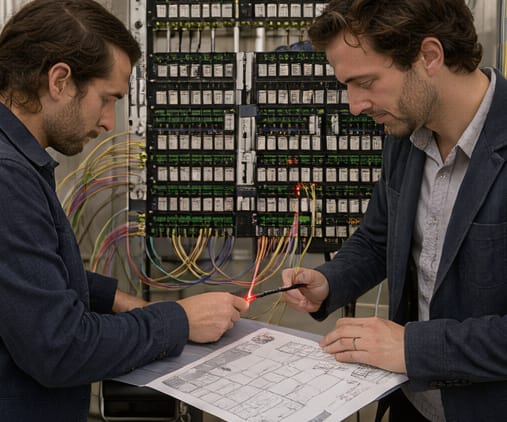
Start with hardware troubleshooting: observe system behavior like error messages, unusual lights, or boot failures. Check connections, test components individually (e.g., memory, cables), and use built-in diagnostics or manufacturer tools to isolate faulty parts before replacement or repair.
Move to network issues: verify physical connections (cables, interfaces), confirm IP configuration (address, subnet, gateway), and test connectivity step-by-step using commands like ping and tracert. Examine switch/router lights, test with alternate devices or cables, and verify DNS settings and firewall rules.
Apply a structured approach: gather symptoms, identify likely causes, test theories incrementally, establish a plan, implement a solution, verify full system function, and document actions taken. This prevents assumptions, reduces downtime, and ensures issues are resolved effectively without side effects.
Key points
- Use diagnostic tools and logs systematically
- Isolate hardware and network components
- Document steps and verify full function